NextApp: AI & Android Tools

Description
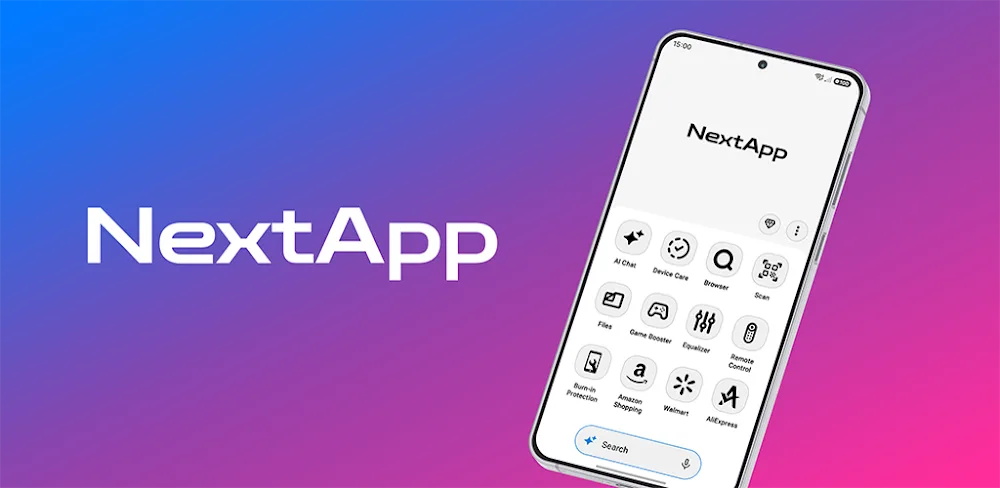
NextApp brings practical Android tools together in one adaptive app for phones, tablets, and supported TV devices. Instead of switching between separate utility apps, you browse the web, check device status, manage files and media, scan codes, adjust audio, and use AI-assisted features from one consistent interface.
Browse the Web With Built-In Browser Tools
You can search the web, open multiple tabs, save bookmarks, review history, and manage downloads without leaving NextApp. The integrated browser keeps everyday research, reading, streaming, and downloading in one convenient place.
Monitor Performance With Device Care
Device Care helps you understand what your Android device is doing. You can check battery status, CPU activity, memory usage, storage space, and system information from a central dashboard. This makes it easier to spot storage problems, background strain, or performance slowdowns.
Manage Files and Storage More Easily
The built-in file manager supports everyday file and storage tasks. You can browse folders, locate documents, organize downloads, manage media, and clean up unnecessary files. Having file tools beside your other utilities saves time and reduces app-hopping.
Enjoy Photos, Music, and Videos in One Place
NextApp includes gallery and video-playback tools for your media collection. You can browse images, play videos, and manage entertainment without opening another media app. It is a convenient option for phones, tablets, and larger TV displays.
Scan QR Codes and Barcodes Instantly
The QR and barcode scanner reads codes quickly for links, products, tickets, Wi-Fi details, payments, and other everyday information. You can scan and act immediately instead of installing a separate scanning app.
Improve Sound With Audio Controls
Supported audio sessions can benefit from sound and equalizer controls. You can adjust audio output according to your headphones, speakers, music, videos, or personal listening preference. This is especially useful for entertainment, meetings, calls, and media playback.
Test Your Screen for Display Issues
Screen-testing and refresh-pattern tools help you inspect your display for dead pixels, uneven brightness, flicker, ghosting, and other visual issues. You can run visual checks when buying a used device, troubleshooting a screen problem, or confirming that a repair worked correctly.
Use Handy Game and Device-Status Tools
Game-related tools and device-status information help you keep an eye on performance while playing. You can monitor system behavior, check important device details, and access useful gaming utilities without interrupting your session more than necessary.
Control Compatible TVs With the Android TV Remote
NextApp includes Android TV remote and D-pad features for compatible televisions. You can navigate menus, control playback, enter text, and manage supported TV functions from your phone or tablet. It turns your mobile device into a practical second remote.
Work Faster With AI-Assisted Tools
AI-assisted tools appear across supported parts of NextApp. They help you complete tasks more efficiently, find information faster, and simplify multi-step utility work. You get intelligent assistance without moving your files and activity into several disconnected apps.
A Central Hub That Adapts to Your Device
NextApp is designed as a central Android tools hub. It adapts its interface and available features to phones, tablets, and supported TVs. Available features can vary by device type, Android version, permissions, hardware support, and installed components. Some functions also depend on Android system services, WebView, active media sessions, or compatible TV devices.
Images


What's New
1.21.0
✦ The browser now runs on Chromium's own Blink engine instead of WebView. Pages open faster, V8 optimizations make websites run more smoothly, and the HTTP/3 (QUIC) protocol delivers quicker, more reliable connections.
✦ Performance improvements across the entire app for a smoother, more fluid feel.
✦ Various bugs have been fixed.